Best AI App Builder for Field Service Teams (2026)
For the offline technician app an AI app builder is the wrong category; for the back-office layer around your FSM system it shines. An integration-first comparison of five builders for 2026.
Updated on August 23, 2026
On this page
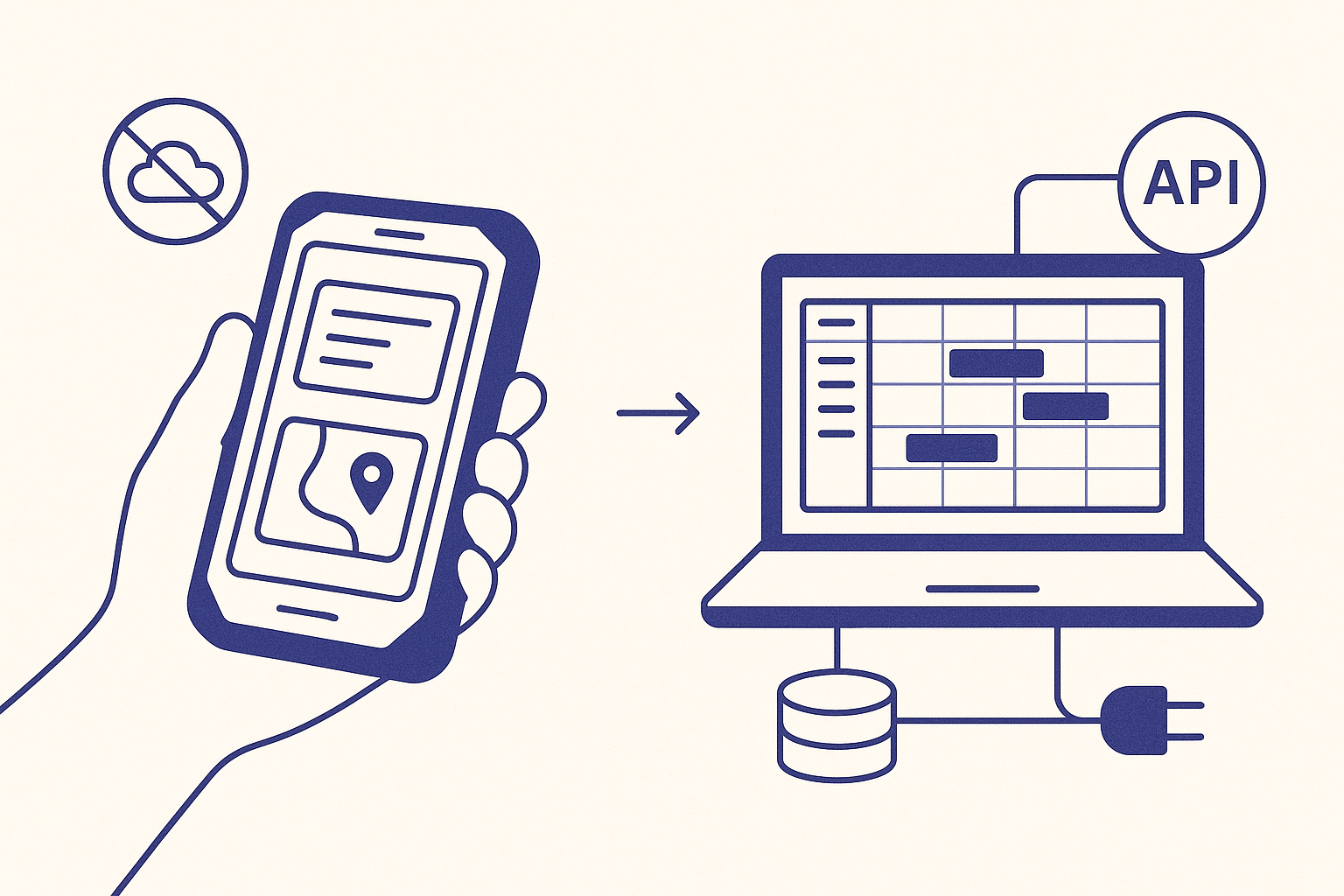
Quick answer (2026): For the technician's in-the-field mobile app, an AI app builder is usually the wrong tool. Field work needs offline-first sync and native device access (camera, GPS, barcode), which today's web-based AI app builders do not produce. Buy a field service management (FSM) platform for that, or build native. Where an AI app builder earns its place in 2026 is the back-office web layer around the FSM system: a dispatcher dashboard, a customer status portal, a job-costing report, a parts-inventory admin. For that always-connected job the pick turns on relational data, third-party API integration and code ownership. Lovable, Bolt.new and Replit lead for tools you plan to keep; Base44 suits a throwaway prototype; v0 fits Vercel shops but has stumbled on SQL-heavy data.
Search "best AI app builder for field service" and the results quietly answer two different questions at once. Some rank FSM platforms you buy, like Salesforce Field Service, ServiceTitan and Jobber. Others rank code-generating app builders. They are not the same category, and for a field service team the difference decides whether you should be shopping or building at all.
FSM platform vs AI app builder: which does a field service team need?
A field service management platform runs the whole operation out of the box: scheduling and dispatch, a technician mobile app that works offline in the truck, work orders, customer signatures, invoicing and parts tracking. If your job is "run a service business," this is the category you want, and a platform like 


An AI app builder generates custom software from a description. In a field service context you reach for it when the FSM platform cannot cover something specific:
- a customer self-service portal that shows live job status and appointment windows
- a job-costing and margin dashboard that stitches labor, parts and travel into one view
- a parts and inventory admin tuned to how your warehouse actually works
- an integration glue app that syncs your FSM system with accounting or a CRM
That is custom software wrapped around the field operation, and in 2026 an AI app builder lets a non-engineer stand one up in a day. Everything below is about that build path, and specifically the parts that live at a desk on a reliable connection. The technician-in-the-field app is a different problem, covered at the end.
The criteria generic field service lists skip
A general "best app builder" roundup optimizes for build speed and demo polish. A field service operator building a real internal tool optimizes for a different set of axes, the ones that decide whether the tool survives contact with a dispatch board and a warehouse. We score the five builders on:
- Relational database. Jobs, assets, customers, parts and technicians are deeply relational. You need a real relational or PostgreSQL-backed store, not a toy key-value layer.
- Poor-connectivity tolerance. Even a back-office tool sometimes gets opened on a phone in a parking lot. None of these builders ship true offline-first output, so the honest question is how gracefully the generated app degrades and whether you can bolt on a service worker.
- Third-party API integration. The app almost always has to talk to your FSM system of record, accounting and maybe a mapping API. Clean webhook and background-job handling matters.
- Code ownership and export. An internal tool you depend on should not be trapped in a prototype sandbox. You want the codebase to host and extend.
- Auth and roles. Dispatchers, technicians, managers and customers each need different access. Role-based auth is table stakes for anything touching job and customer data.
The five builders scored for field service back-office apps (2026)
Scores reflect fit for the always-connected internal-tool job above, not the offline technician app. Sources: each vendor's 2026 documentation and pricing pages, plus cross-builder benchmark testing summarized on ai-agents-benchmark.com (June 2026). We cite that one unlinked and treat it as corroboration only: it names no author, discloses no affiliation with the tools it scores, and ranks Totalum first.
Scroll to see more
| Builder | Relational DB | Poor-connectivity tolerance | API integration | Code ownership | Auth and roles |
|---|---|---|---|---|---|
 Lovable Lovable | Yes (Supabase/Postgres) | Online-first, PWA add-on possible | Strong | Yes, exports code | Yes |
 Bolt.new Bolt.new | Yes | Online-first | Strong | Yes, exports code | Yes |
 Replit Replit | Yes | Full runtime, easiest to add a service worker | Strong | Yes, exports code | Yes |
 v0 v0 | Yes | Online-first | Good in Vercel stack | Yes | Yes |
 Base44 Base44 | Yes | Online-first | Adequate | Limited (vendor lock-in) | Yes |
No single builder deserves a crown here, and any 2026 guide that hands you one is skipping the part where your existing stack decides it.
When each one wins
Lovable is the safe default when the tool is data-heavy and you want the code out. Its Supabase-backed Postgres and clean export suit a job-costing or parts dashboard you will keep iterating on. The honest caveat, per 2026 benchmark notes, is occasional instability on larger builds; weaker generated SEO does not matter for an internal tool.
Bolt.new produces the cleanest first-pass UI, so a customer status portal looks presentable on day one. Watch the cost: it is known in 2026 for burning through tokens on long, iterative builds, and an evolving ops tool tends to be exactly that.
Replit is the pick when correctness beats speed and you might need to hand-add offline behavior. It ships a full runtime and built-in auto-testing, and of the five it is the most straightforward place to wire a service worker onto a back-office app that occasionally goes mobile. The trade is patience: builds can be slow.
v0 is the natural fit for a team already in the Vercel and Next.js ecosystem, and it is fast for interface work. 2026 testing has flagged crashes on SQL-heavy schemas, so be cautious using it as the backend for a complex asset-and-parts model.
Base44 generates fastest and produces beautiful UIs, ideal for a quick internal prototype you want in front of dispatch this afternoon. The catch is lock-in: limited code portability and no npm import make it a poor choice for a tool you expect to own and extend for years.
The mistake to avoid: putting the offline technician app on a web builder
Here is the rule that overrides the whole table. Do not build your in-the-field technician app on a general web app builder. A technician in a basement, a rural service call or a parking garage has no reliable signal, so the app has to capture work offline and sync later. It also needs the camera for job photos, GPS for routing and often a barcode scanner for parts. Today's AI app builders generate online web and SPA apps; none of them produce a true offline-first, native-hardware mobile app out of the box.
For that job you have two honest paths: buy an FSM platform whose mobile app already solves offline sync, or build native. If you are set on building, that is a different toolchain, which we cover in the best AI app builder for offline-first mobile apps and the best AI app builder for native iOS and Android apps. Use the five builders above for the desk-bound layer, and let a purpose-built mobile stack own the truck.
Bottom line
For a field service team in 2026, the honest answer to "which AI app builder should I use" starts by splitting the work. The technician's offline mobile app is not an app-builder job; buy an FSM platform or build native. The back-office layer around it, the dispatcher dashboard, the customer portal, the job-costing report, is a genuine app-builder job, and there you choose on relational data, integration and code ownership rather than on which tool demos best. Lovable, Bolt.new and Replit lead for tools you will keep; Base44 is for the fast prototype; and whichever you pick, do not ask a web builder to follow your crew into a place with no signal.
Written by
Builderdex EditorialBuilderdex is a criteria-based comparator for AI app builders, scoring platforms on the axes that matter for each real use case.
Frequently asked questions
Should I use an AI app builder to build my field service technician app?
Usually no. The in-the-field technician app needs offline-first sync and native device access (camera, GPS, barcode scanner) because crews routinely work with no signal. Today's web-based AI app builders generate online web or SPA apps and do not produce true offline-first, native-hardware mobile apps out of the box. For that job, buy a field service management platform whose mobile app already handles offline sync, or build native. Reserve the AI app builder for the always-connected back-office layer around it.
What is the best software for field service management in 2026?
That depends on your trade and size, and it is a buy decision, not a build one. Platforms like Salesforce Field Service, ServiceTitan and Jobber handle scheduling, dispatch, an offline technician app, work orders, invoicing and parts tracking out of the box. Shortlist by industry fit (HVAC, plumbing, electrical, telecom) and team size, then use an AI app builder only for the custom internal tools those platforms do not cover.
Can an AI app builder create an app that works offline for field technicians?
Not reliably, as of 2026. None of the major AI app builders (Lovable, Bolt.new, Replit, v0, Base44) ship genuine offline-first output. Some generated apps can be extended with a service worker for basic caching, and Replit's full runtime makes that the least painful, but that is a workaround, not real offline sync with conflict resolution. If offline is a hard requirement, use a purpose-built mobile stack or an FSM platform instead.
What is the number 1 AI app builder for field service back-office tools?
There is no single number one, and any 2026 roundup that crowns one is skipping the part where your existing stack decides it. For always-connected internal tools around a field service operation, Lovable, Bolt.new and Replit lead for software you plan to own and keep iterating on, Base44 is best for a fast throwaway prototype, and v0 fits Vercel-based teams but has stumbled on SQL-heavy data. Choose on relational database, API integration and code ownership.
Is there a free AI app builder for field service teams?
Most of the major builders offer a free tier that is enough to prototype a small internal tool such as a job-status portal, then require a paid plan to deploy to a custom domain or grow the database. Free tiers are good for testing the build path before you commit. They are not a substitute for a field service management platform if you need dispatch and an offline technician app.
Related comparisons
Best AI App Builder for Offline-First Mobile Apps (2026)
For offline-first mobile in 2026, FlutterFlow ranks first for production Flutter with Firestore or Hive, Expo plus Cursor wins for React Native with WatermelonDB or RxDB conflict-resolved sync, Thunkable is the strongest visual cross-platform builder, and Glide plus Adalo cover read-heavy use cases. The web-first AI app builders (Lovable, Bolt, v0, Totalum) should be skipped here. They produce browser apps that cannot reliably persist user mutations through twenty minutes of no signal.

Best AI app builder for native iOS and Android apps in 2026
A 2026 comparison of the five AI app builders that actually produce native iOS and Android binaries, scored on binary format, runtime quality, AI assist depth, store path, and code ownership.
Best AI app builder for internal tools in 2026
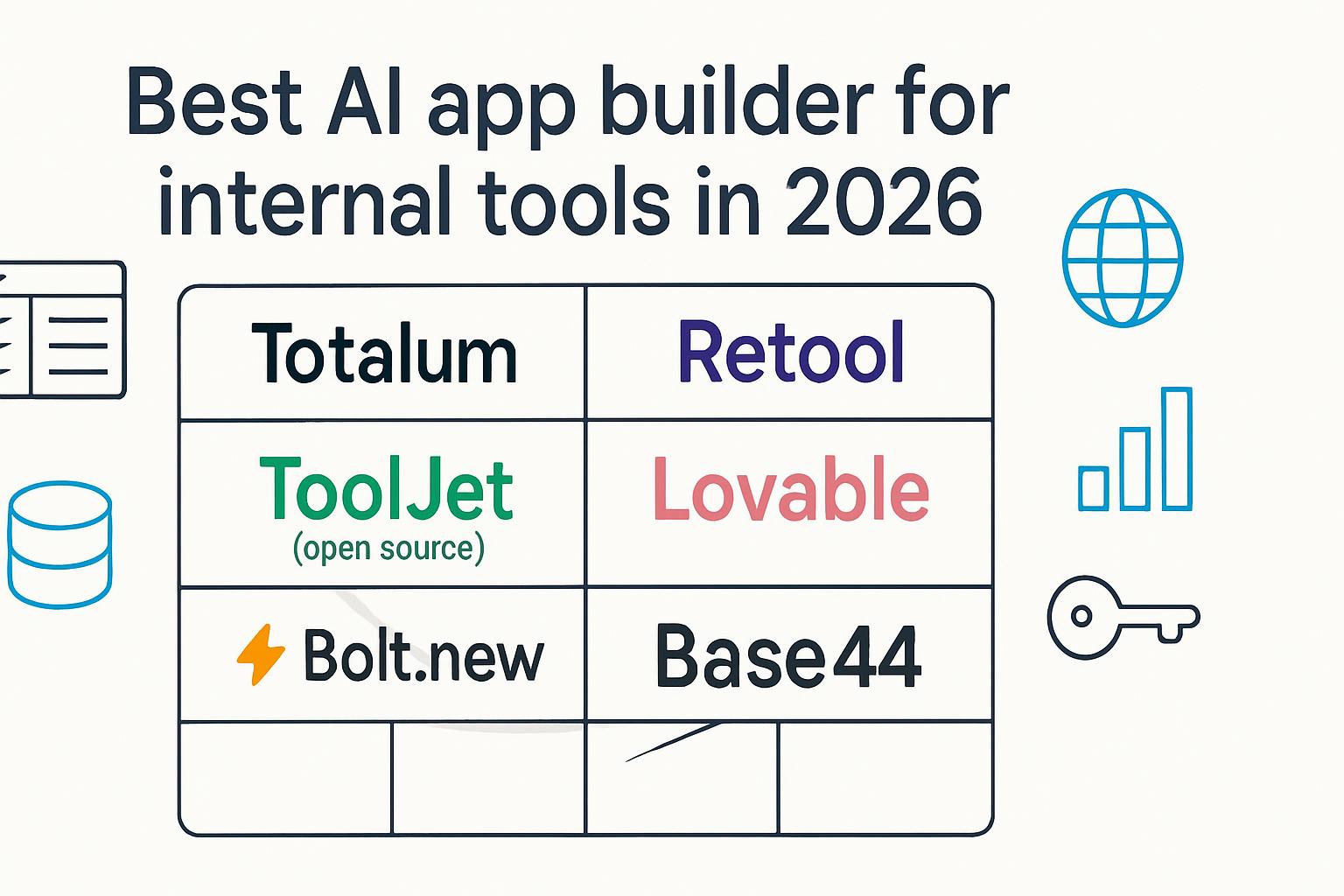
A 6-builder scorecard for internal tools in June 2026: Totalum, Retool, Tooljet, Lovable, Bolt.new, and Base44 ranked against bundled auth, SQL connectors, RBAC, custom domains, code ownership, and per-team cost.